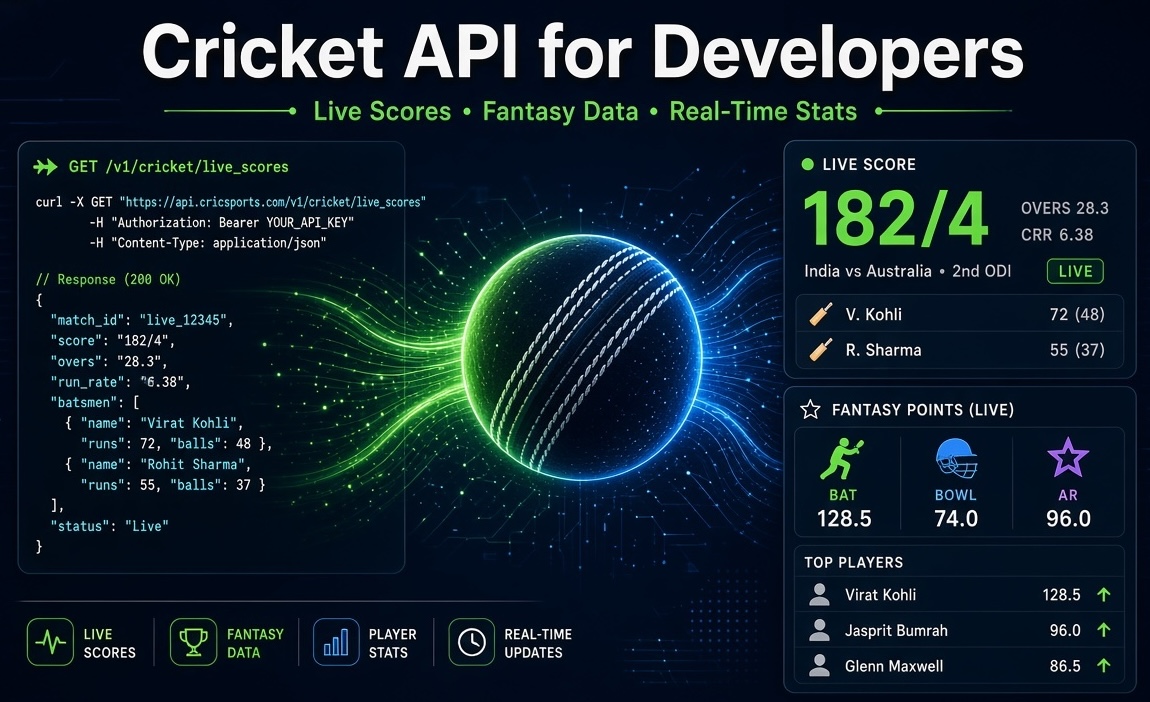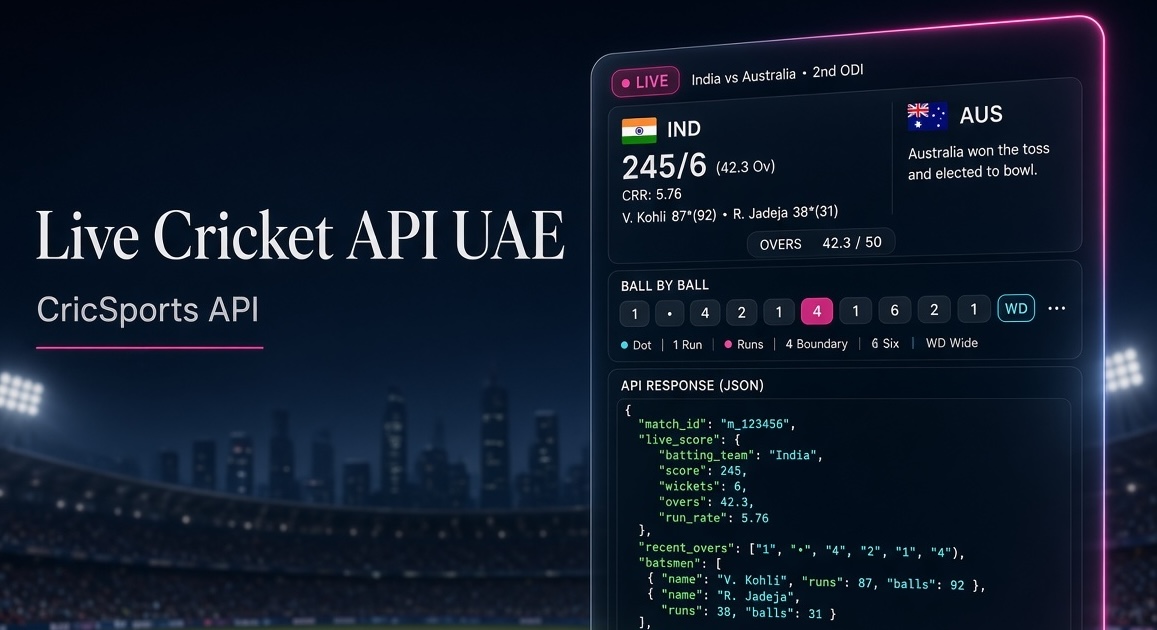
Cricket is huge in the UAE. Fans follow every IPL match, Asia Cup clash, World Cup game and bilateral series with the same intensity you see in India or Pakistan. That creates real demand for apps that deliver live scores, ball-by-ball updates and fantasy points without lag.
If you’re a developer in Dubai, Abu Dhabi, Sharjah or anywhere in the region building live score platforms, fantasy leagues, news sites or analytics tools, a solid Live Cricket API is the foundation. This guide walks through everything you need: how the API works, sample requests, caching, error handling and production best practices.
Why a dedicated Cricket API matters in the UAE
Peak traffic in UAE apps almost always lines up with big tournaments — IPL, Asia Cup, World Cup and major bilateral series. Users expect scores to update within seconds. Apps that show stale data lose people fast.
The same API key and endpoints work whether you’re covering international matches featuring UAE, local franchise leagues or global tournaments watched by fans across the Emirates. You get clean JSON for live scores, commentary, full scorecards, fixtures and player statistics.
Common use cases
- Mobile apps — Power iOS and Android match centres with light REST calls and push notifications on key moments (wickets, boundaries, milestones).
- Fantasy platforms — Calculate live points using squads, ball-by-ball events and player stats from the same feed.
- Analytics dashboards — Feed historical results and player data into BI tools or custom visualisations.
- Broadcast overlays — Drive venue scoreboards and stream graphics with predictable JSON.
Quick integration examples
Create a free account in the CricSports dashboard, copy your API key, and start calling the endpoints over HTTPS. Here are ready-to-use samples:
JavaScript (fetch)
const res = await fetch(
  "https://trial.cricsportsapi.com/api/v2/getMatchCommentry",
  {
    headers: {
      "x-api-key": "YOUR_API_KEY"
    }
  }
);
if (!res.ok) throw new Error(`HTTP ${res.status}`);
const data = await res.json();
Python (requests)
import requests

url = "https://trial.cricsportsapi.com/api/v2/getMatchCommentry"
headers = {
    "x-api-key": "YOUR_API_KEY",
}
resp = requests.get(url, headers=headers, timeout=10)
resp.raise_for_status()
data = resp.json()
cURL
curl --request GET \
  --url 'https://trial.cricsportsapi.com/api/v2/getMatchCommentry' \
  --header 'x-api-key: YOUR_API_KEY'
Caching & performance tips
Never put your API key in client-side JavaScript. Always proxy requests through your backend and cache responses.
Recommended TTLs:
- Live scores → 10–30 seconds during active play
- Commentary → 15–45 seconds
- Fixtures & results → 5–60 minutes
- Player stats → hours to days
Use Redis or Memcached on the server, set proper Cache-Control headers, and keep an eye on cache hit rates in your dashboard. This keeps costs low and latency tight even when thousands of users open the app during a big match.
Error handling that actually works
Production apps should degrade gracefully instead of crashing:
- 401 / 403 → Check API key and subscription status
- 429 → Rate limit hit — serve stale cache and back off exponentially
- 5xx → Transient server issues — retry with jitter (max 3 attempts)
- Timeouts → Set 5–10 second timeouts and show the last known score
Log error rates and latency. Set alerts for spikes during major tournaments.
Production checklist for UAE traffic
- Keep the API key only on your backend.
- Use short TTL for live data and longer TTL for fixtures.
- Poll faster only for matches users are actually watching.
- Choose a plan with 2–3× headroom for peak months.
- Show “updating…” with the last cached score during outages.
- Track p95 latency, cache hit ratio and quota usage.
Start on the free plan, validate everything with real match data, then upgrade before the next big tournament.
Frequently Asked Questions
Find quick answers to the most common questions about this topic.
Developer-focused cricket data context
This article is part of the CricSportsAPI knowledge base covering live match data, fixtures, scorecards, series, teams, players and cricket statistics for websites, apps and sports platforms.