Choosing a cricket API is rarely just about “does it have scores.” If you’re building a live score app, fantasy platform, or sports website, you care about how fast the data updates, how clean the JSON is, how many competitions it covers, and whether the pricing won’t surprise you once traffic grows.
This guide compares Cricsports API with other low-latency alternatives on the criteria that actually matter to developers: coverage, live latency, API design, pricing, and day-to-day developer experience.
What to evaluate in a cricket API
Before diving into specific products, here are the practical checkpoints most teams use:
- Coverage — internationals (Test, ODI, T20I), IPL, other franchise leagues, domestic cricket, and associate nations where data exists
- Live latency — how quickly scores, overs, and ball-by-ball commentary appear during a match
- API design — REST + JSON, consistent field names, predictable structure, solid documentation
- Pricing — free tier or trial, monthly request limits, overage costs, and transparent billing
- Developer experience — sample code, dashboard, authentication simplicity, and support channels
Your ideal choice depends on the competitions you need to support and the traffic you expect.
Cricsports API
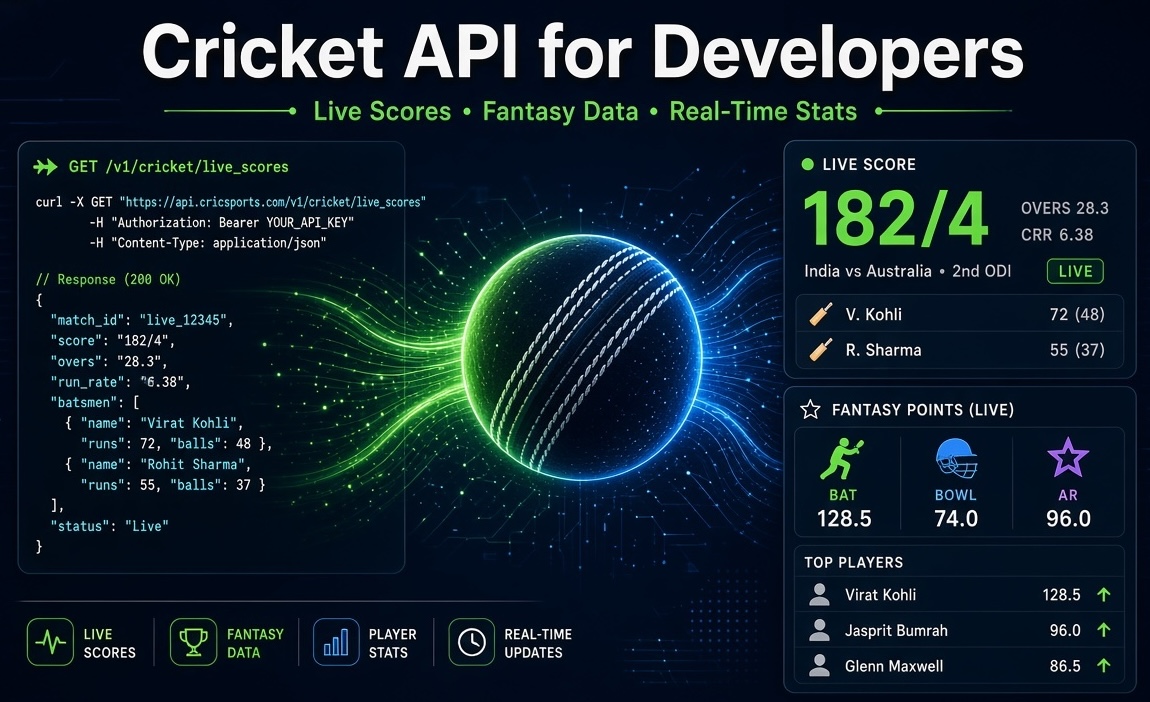
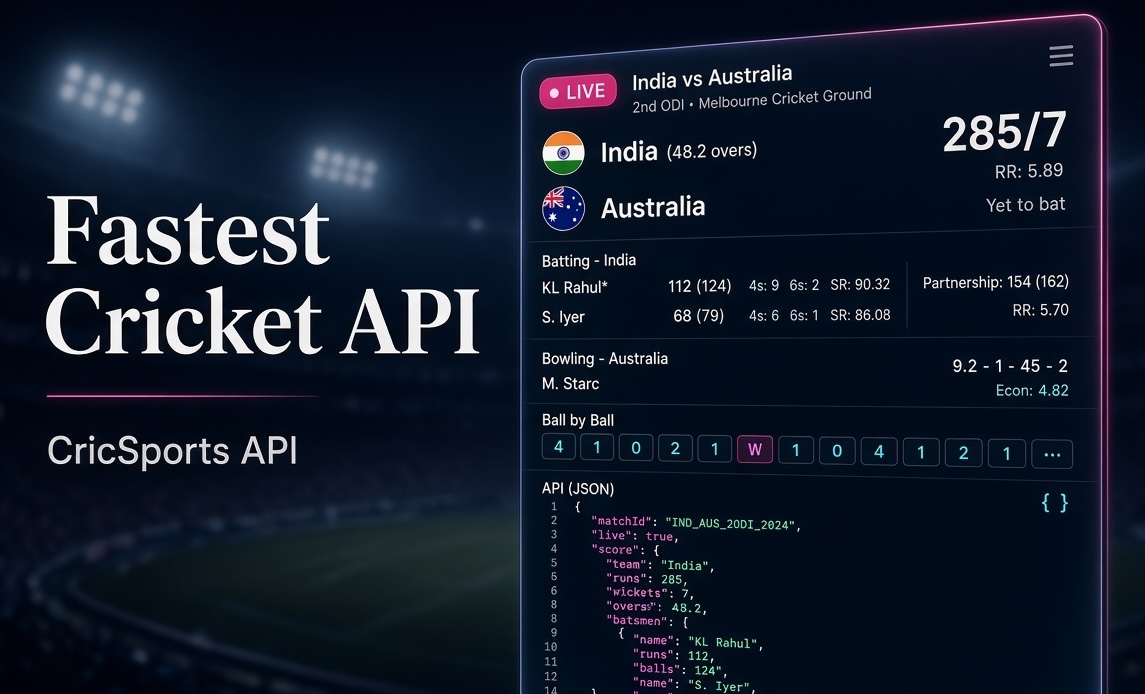
Cricsports API provides live scores, ball-by-ball commentary, full scorecards, fixtures, player data, and series information as clean, consistent JSON. A free plan lets you start testing immediately. Paid tiers scale to millions of monthly requests for production use.
Notable strengths:
- Focused, predictable endpoint design
- Consistent response shapes that are easy to map to models
- Live match coverage across major formats and franchise leagues (including IPL)
- Ready-to-use examples in JavaScript, Python, PHP, and cURL
Authentication is straightforward: create an account, copy your API key, and send it in the x-api-key header on every request.
Low-latency alternatives
Other low-latency cricket data APIs exist in the market. They vary in endpoint breadth, pricing structure, response format, and documentation quality. The right approach is to test them side-by-side with the same match IDs and measure:
- Actual response times during live play
- Completeness of fields (especially commentary and player stats)
- Clarity of docs and sample code
- How the free/trial tier behaves under realistic polling
Many teams keep a thin abstraction layer so they can switch providers later if requirements change.
Which should you choose?
If you want a developer-friendly JSON REST API with live scores, commentary, and fantasy-ready data, Cricsports API is a strong fit. Start on the free plan, validate with real match data, and move to a paid tier when you go to production.
If your project needs specialised data that isn’t covered, evaluate other low-latency options in parallel. Prototyping on one API while keeping the door open to switch is a common and sensible pattern.
Practical tips for live score apps
- For live matches, poll every 10–30 seconds depending on your UX needs.
- Cache responses server-side to control costs and protect your API key.
- Use longer intervals for fixtures, standings, and historical player stats.
- Combine proper error handling, retries, and monitoring for reliable live features.
Frequently Asked Questions
Find quick answers to the most common questions about this topic.
Developer-focused cricket data context
This article is part of the CricSportsAPI knowledge base covering live match data, fixtures, scorecards, series, teams, players and cricket statistics for websites, apps and sports platforms.