Cricket Telegram Score Bot: Live Match Updates
A cricket Telegram score bot can share match information with fans in a group or channel, so they can follow the game without repeatedly checking a website. By connecting a Telegram bot to a cricket data API, developers can create score summaries, scheduled match notices, and selected updates during a match.
A good bot needs more than a connection to an API. It also needs clear message rules, reliable error handling, and a way to avoid posting the same score repeatedly. This guide explains how to plan the integration and what to review before building with CricSportsAPI.
What Can a Cricket Telegram Score Bot Do?
A cricket score bot can be designed around the needs of its audience. For example, it could share:
- Upcoming match schedules
- Match start notifications
- Score summaries during a match
- Wicket or innings updates, when the data supports them
- Final scores and match results
- Links to a detailed scorecard or match page
Choose only the updates that are useful to your group. A channel that posts every small change may become noisy, while a bot that shares only a final result may not feel live enough for its audience.
How the Bot and Cricket API Work Together
The bot and the API have different roles. The API provides cricket data to your application. Your application decides what information to use and when the Telegram bot should send a message.
A typical workflow looks like this:
- Your backend requests match data using the authentication method in the API documentation.
- It checks the response and identifies the match state or score changes.
- Your application applies rules to decide whether an update should be sent.
- The Telegram bot posts the formatted message to the selected chat.
- The backend stores the latest processed state to prevent duplicate posts.
This setup gives you control over message timing, format, and destination. Review the CricSportsAPI documentation to confirm which endpoints and fields are currently available for your account.
Plan the Message Format
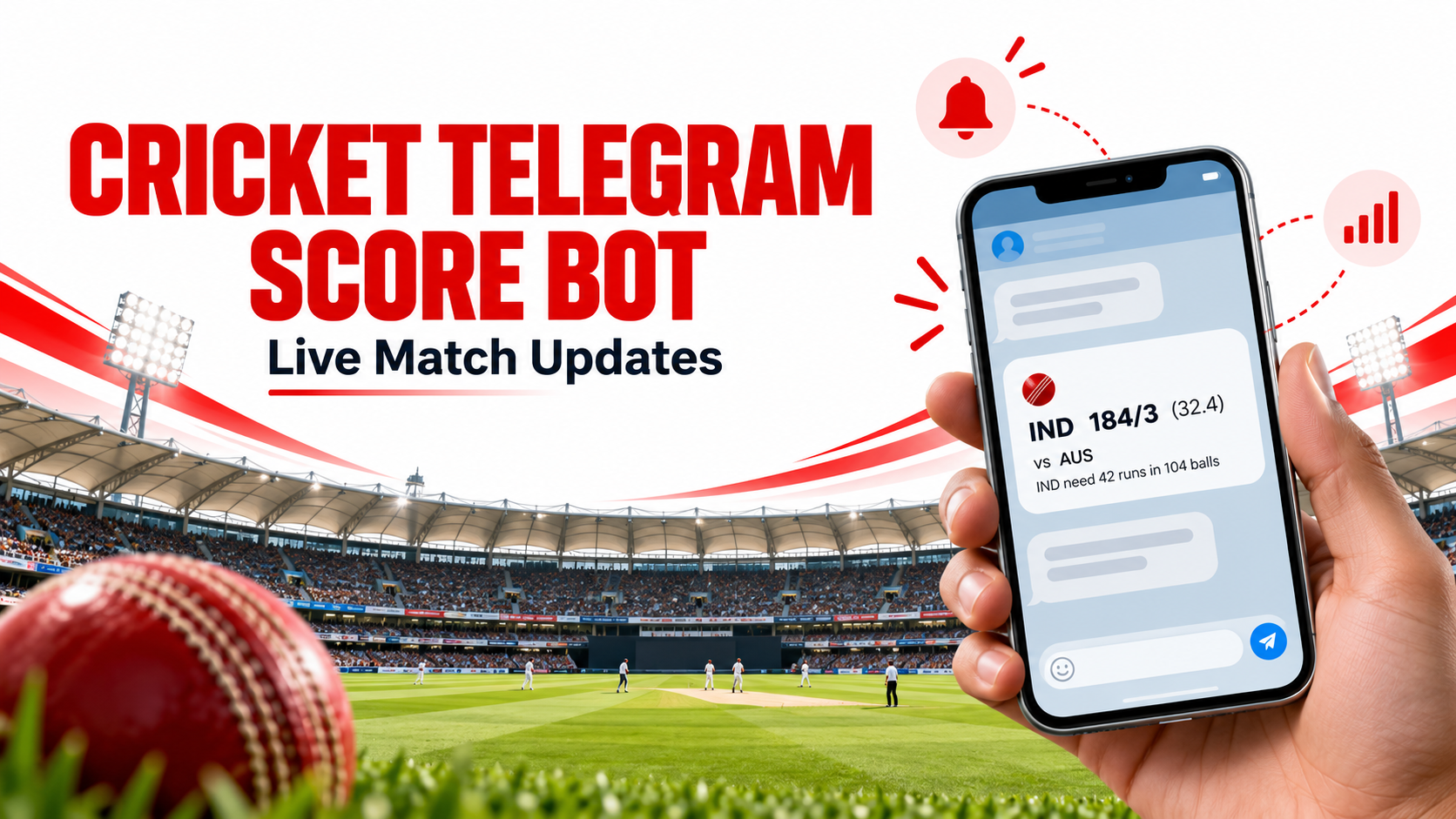
Telegram messages should be easy to scan on a phone. A compact update could include the teams, score, overs, and match status. A wicket message could include the new score and any relevant player details available in the API response.
For example, a message format might look like this:
LIVE | Team A vs Team B
Team A: 142/4 (17.2 overs)
Update: Wicket
Use real values from your API response, and do not assume every field will be available for every match. If a value is missing, omit it or show a clear fallback instead of displaying a confusing blank label.
Prevent Duplicate Score Messages
Repeated messages are one of the most common problems in a cricket Telegram score bot. If your backend checks the same match several times and posts every response, fans may see identical updates again and again.
To reduce duplicates:
- Save the latest score state your backend has processed.
- Compare the new response with the saved state.
- Post only when a meaningful field changes.
- Store a unique event identifier when one is available.
- Keep a record of the last update sent for each match and chat.
You can also decide which changes matter. For instance, your bot might send updates for wickets and boundaries while ignoring unchanged score data. The rules should fit your audience and should use only information supported by the API response.
Build a Sensible Update Schedule
A bot needs to check for changes often enough to be useful, but it should also respect API request limits. Review your plan before choosing a polling interval. Consider how many matches you track, how many chats receive updates, and how much traffic you expect during a popular match.
A practical architecture separates data checking from message delivery:
- A scheduled backend worker checks the API.
- A comparison step identifies meaningful changes.
- A queue can hold messages that need to be sent.
- A sender posts messages and records success or failure.
This separation makes it easier to investigate delays and avoid sending the same update multiple times when a request is retried.
Connect the Bot to a Group or Channel
Create and configure your Telegram bot, then add it to the group or channel where updates should appear. Make sure it has the permissions required to post messages. Keep the bot token private and store it securely on your server.
Your backend should also store chat settings in a manageable way. This can help you choose which matches go to which destination and pause updates when needed. Test the bot in a private chat or test group before sending updates to your main audience.
Handle Errors and Match States
A reliable bot should handle API timeouts, invalid responses, and failed message sends. Record errors so you can review them later, and retry carefully instead of creating a loop that floods the chat.
Match states also matter. Upcoming, live, innings break, and completed matches may need different message rules. When a match is complete, the bot should stop sending live updates and may post one final summary if your content plan calls for it. Use the status fields documented by your data provider.
Start Building with CricSportsAPI
CricSportsAPI can be used as the data source in a cricket Telegram score bot integration. Before you start, identify the match information you want to send, then confirm the relevant API endpoints, authentication instructions, and usage limits in the current documentation.
Visit the CricSportsAPI documentation for integration details and the pricing page to review current plans. Start with one match and one test chat, confirm that updates are accurate and non-duplicative, and then expand the bot to more matches or channels.
A clear message format, careful request planning, and duplicate prevention can make a cricket Telegram score bot more useful for fans and easier for developers to maintain.
Frequently Asked Questions
Find quick answers to the most common questions about this topic.
Developer-focused cricket data context
This article is part of the CricSportsAPI knowledge base covering live match data, fixtures, scorecards, series, teams, players and cricket statistics for websites, apps and sports platforms.